Wix Studio, WordPress, Webflow and Squarespace can all produce polished healthcare websites. The harder question is whether the platform fits the way your practice needs to edit content, grow service pages, protect sensitive workflows, preserve search visibility and hand the site over to a real team after launch.
For a medical practice, the best website platform is not the one with the longest feature list. It is the one that makes the right operational decisions easier.
A solo psychiatrist, a multi-location physical therapy group and a specialist clinic with dozens of providers may all need a “healthcare website,” but they do not need the same publishing workflow, content architecture or technical setup.
This guide compares four common options — Wix Studio, WordPress, Webflow and Squarespace — from the perspective of a private practice or specialist clinic in 2026.
THE SHORT ANSWER
Which website platform is best for a medical practice?
There is no universal winner. In practice, we would narrow the choice like this:
01 / WIX STUDIO
Best when the practice wants strong design with easier day-to-day editing.
Wix Studio is a good fit for many private practices that want a custom-looking site without taking on a separate hosting stack or a large maintenance burden.
- Strong visual design flexibility
- Built-in CMS and dynamic pages
- Good control over titles, descriptions, redirects and indexability
- Suitable for service, provider and location content
- HIPAA-capable workflows are available on eligible plans when PHI protection is activated and a BAA is completed
02 / WORDPRESS
Best when content depth, search architecture and long-term flexibility matter most.
WordPress is usually the most flexible choice for larger or more content-heavy practices — especially when the website may grow into many service, condition, provider or location pages.
- Very flexible content architecture
- Strong SEO control
- Large ecosystem of integrations
- Well suited to complex migrations and custom requirements
- Requires more deliberate hosting, maintenance, security and plugin governance
03 / WEBFLOW
Best when the website is design-led and sensitive patient data lives elsewhere.
Webflow is strong for sophisticated marketing sites and design systems. It offers clean control over redirects and structured data, but sensitive patient workflows normally need to be handled through an external HIPAA-capable service rather than native Webflow forms.
04 / SQUARESPACE
Best when the site is intentionally simple.
Squarespace can work well for a smaller practice that needs a polished, low-complexity website and does not expect a large service, provider or location architecture. Its standard form blocks are not designed as a HIPAA-compliant solution.
WHAT ACTUALLY MATTERS
Before comparing platforms, define the healthcare website you are actually building.
A platform decision is much easier once the practice has answered a few practical questions.
- How many different content types will the site need?
Services, conditions, providers, locations, patient resources and referral information can quickly turn a “simple website” into a structured publishing system. - Who will update it?
A founder editing one page every few months has different needs from a marketing team publishing provider bios and service content every week. - Will the site collect protected health information?
If yes, the form, booking and data-storage workflow matters just as much as the page builder. - How important is organic search?
A practice relying heavily on Google needs enough control over page structure, redirects, metadata, schema and internal linking to support a serious search strategy. - How much technical ownership does the practice want?
Some teams value maximum flexibility. Others would rather avoid plugin updates, hosting management and technical maintenance altogether.
HIPAA note: no website platform automatically makes an entire practice compliant. The correct setup depends on what information is collected, which services receive it, whether the required agreements are in place and how staff use the systems after submission.
WIX STUDIO
Wix Studio: strong for private practices that want design freedom without a heavy maintenance stack.
Wix has changed considerably from the template-first website builder many people still remember. Wix Studio gives designers much more control over responsive layout while keeping hosting, core platform maintenance and a large amount of site management in one system.
For a private practice, that can be useful because the website remains relatively approachable after launch. A team can update copy, add providers, manage CMS content and edit basic SEO settings without maintaining a separate hosting environment.
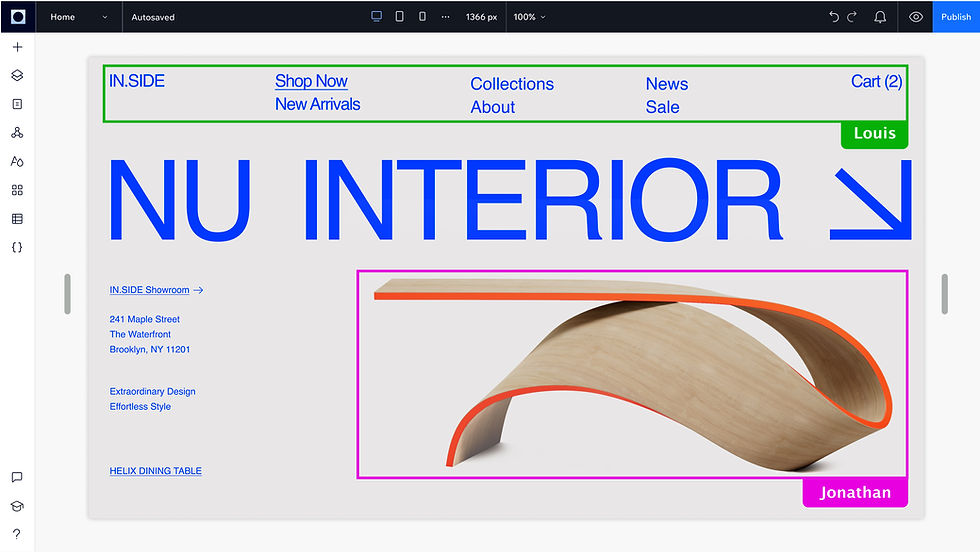
Where Wix Studio is strong
- Custom visual design without a separate development stack
- CMS collections and dynamic pages for repeatable content
- Page-level SEO controls, redirects and structured-data options
- Good fit for practices that want to make their own content edits
- Hosting and platform updates are handled within Wix
Healthcare consideration: PHI
Wix now documents a specific HIPAA workflow for eligible U.S. healthcare users. On supported Premium or Studio plans, a practice can activate PHI protection and complete a Business Associate Agreement. Wix also notes that compliance depends on how the site is configured and that some apps or features may not be compatible with PHI protection.
That makes the platform more viable for healthcare than older advice often suggests — but it still means the site must be designed around the supported workflow rather than assuming every form or third-party app can safely collect patient information.
Wix: HIPAA compliance and PHI protection ↗
When we would consider Wix Studio
An established private practice with a moderate number of services and providers, a team that wants to manage content internally, and a preference for fewer technical maintenance responsibilities.
WORDPRESS
WordPress: strongest when the website needs to become a serious content and search asset.
WordPress remains difficult to beat when a healthcare website needs a lot of structural flexibility.
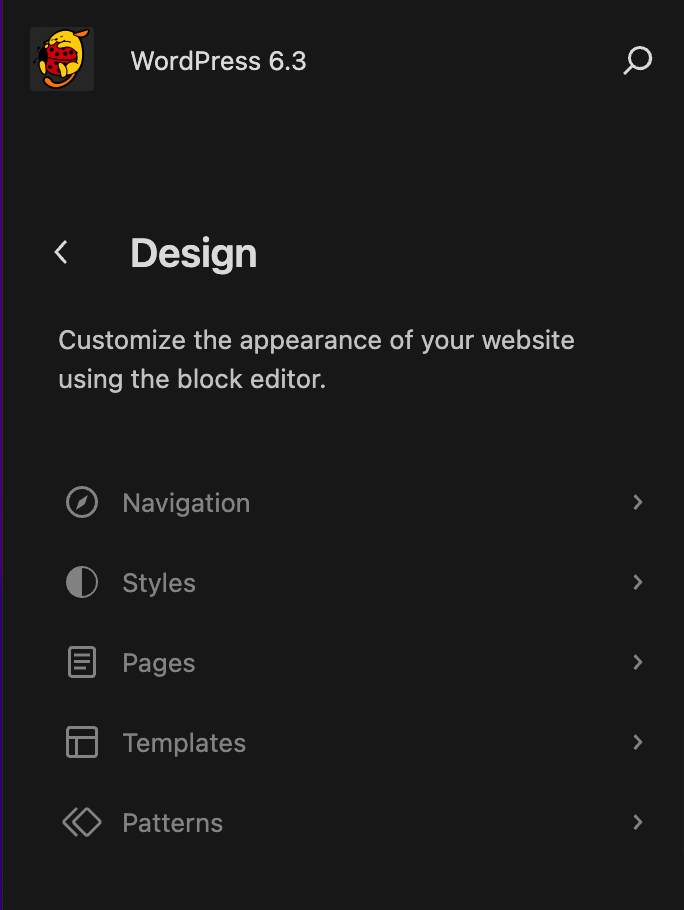
A larger practice might need dozens of treatment pages, provider profiles, location hubs, condition resources, referral information and long-form educational content — all linked together in a way that makes sense to both patients and search engines.
WordPress can handle that extremely well because the site can be modelled around the practice rather than around a fixed set of page types.
Where WordPress is strong
- Flexible content types and taxonomies
- Strong control over technical and on-page SEO
- Scales well for large service, provider and location architectures
- Broad integration ecosystem
- Custom development is possible when the practice has unusual requirements
- The site can be moved between compatible hosting providers rather than being tied to one hosted builder
Where WordPress asks more of the practice
That flexibility comes with responsibility. Hosting, plugin selection, security updates, backups, performance and ongoing maintenance all matter. A poorly governed WordPress site can become slow and fragile; a carefully managed one can be extremely capable.
For healthcare, WordPress itself is only one part of the environment. If the site handles PHI, the host, forms, integrations, storage and agreements all need to be evaluated as part of the workflow.
When we would consider WordPress
A growing practice, multi-location clinic, specialist group or healthcare organisation where organic search, content depth, migration control or long-term flexibility are major priorities.
WEBFLOW
Webflow: excellent design control, with a clear boundary around sensitive patient data.
Webflow is particularly strong when the website is a sophisticated marketing experience. Designers can create detailed responsive systems without relying on a traditional theme, and the platform supports useful SEO controls including redirects and page-level schema.
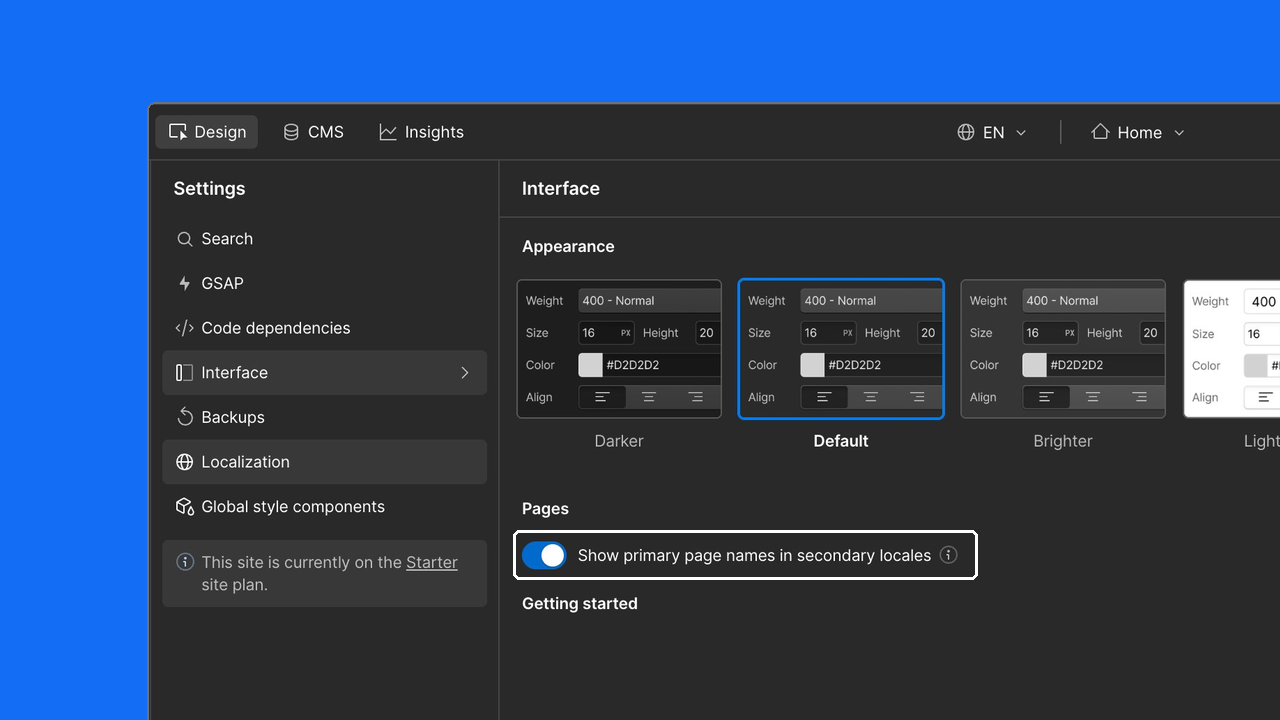
Where Webflow is strong
- High visual control
- Clean component and design-system workflows
- CMS for repeatable content
- 301 redirects for migrations
- Page-level structured data
- Good fit for brand-led marketing sites
Healthcare consideration: native forms
For U.S. healthcare practices, the important limitation is patient data. Webflow states that native Webflow forms should not be used to collect PHI and recommends pairing the marketing site with a HIPAA-compliant form provider when sensitive information is involved.
That does not make Webflow unsuitable for healthcare. It means the boundary must be explicit: Webflow can power the public-facing website while intake, clinical questionnaires or other PHI workflows are handled by an appropriate external system.
Webflow: HIPAA-compliant form options ↗
When we would consider Webflow
A design-led practice or health brand where the main site is primarily informational and marketing-focused, and sensitive patient workflows already live in a separate compliant platform.
SQUARESPACE
Squarespace: useful when simplicity is the requirement, not a compromise.
Squarespace makes the most sense when the website is deliberately small and the practice values ease of management over deep customisation.
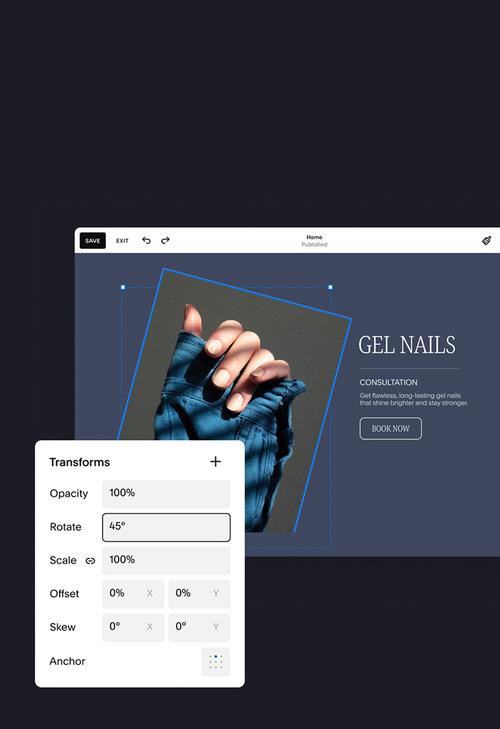
A solo clinician with a few services, a biography, contact information and an external booking workflow may not need a complex content management system. In that situation, the simplicity of Squarespace can be a strength.
Where Squarespace is strong
- Fast setup for smaller sites
- Consistent visual system
- Simple editing experience
- Built-in SEO foundations such as clean URLs and structured data
- Acuity Scheduling integrates naturally for appointment workflows
Healthcare consideration: forms
Squarespace states that its regular form blocks cannot be used as part of a HIPAA-compliant solution. Acuity Scheduling is the Squarespace product designed to support HIPAA-related scheduling workflows, while other sensitive data collection should be handled through an appropriate external service.
Squarespace: Acuity Scheduling and HIPAA ↗
When we would consider Squarespace
A smaller or earlier-stage practice with a simple content model, modest search ambitions and a strong preference for an easy publishing experience.
SEARCH + MIGRATION
The platform matters less than the migration decisions around it.
A platform switch can damage search performance when important URLs disappear, redirects are missed, content is reduced too aggressively or internal relationships change without a plan.
That risk exists whether the destination is WordPress, Wix Studio, Webflow or Squarespace.
Before a healthcare website moves platforms, we would normally want a record of:
- Existing indexable URLs
- Pages receiving organic traffic
- Backlinks pointing to old URLs
- Current titles, descriptions and canonicals
- Service, provider and location relationships
- Structured data worth preserving
- Redirect destinations for every important retired URL
A visually successful redesign can still be an SEO failure if the migration breaks the signals the old site had already earned.
That is why our healthcare website design process treats architecture and migration as part of the website project rather than an afterthought.
Use our SEO checklist to plan the website migration, from the URL inventory through launch verification.
OUR DECISION FRAMEWORK
What would we choose for different types of practices?
SOLO OR SMALL PRIVATE PRACTICE
Often: Wix Studio or Squarespace.
If the site is relatively small and the owner wants easy editing, either can work well. Wix Studio gives substantially more room to grow; Squarespace wins when deliberate simplicity is the priority.
GROWING SPECIALIST PRACTICE
Often: Wix Studio or WordPress.
Wix Studio is attractive when internal editing and lower maintenance matter. WordPress becomes more compelling as service, provider, condition and search architecture become more complex.
MULTI-LOCATION OR CONTENT-HEAVY GROUP
Often: WordPress.
The flexibility of WordPress is useful when the practice needs structured relationships between locations, clinicians, services and educational content at scale.
DESIGN-LED HEALTH BRAND
Often: Webflow.
Webflow is particularly attractive when the public marketing experience is the priority and patient data or clinical workflows already live in a separate system.
The right platform should disappear into the background. Patients should notice the clarity of the experience, not the software behind it.
WHAT WE WOULD NOT DO
Do not choose a healthcare website platform from a generic “best website builder” list.
Most generic platform comparisons score features such as templates, ecommerce, blogging or ease of use. Those can be useful, but they do not answer the questions a healthcare practice actually has.
For a medical practice, the more useful questions are:
- Can the platform support the information architecture patients need?
- Can the team update providers and services without breaking the design?
- Can the site preserve search equity during a redesign?
- Can sensitive workflows be configured appropriately?
- Can the platform support accessibility and mobile usability?
- Can the website grow with new locations, providers or service lines?
- Who owns and maintains the technical environment after launch?
Once those answers are clear, the platform decision usually becomes much easier.
Questions about website platforms for medical practices
Is Wix Studio good for medical practices?
Yes, for many private practices. Wix Studio offers strong design control, a built-in CMS and modern SEO tools. Eligible U.S. healthcare users can also activate PHI protection and complete a BAA, although the practice remains responsible for using compatible apps and configuring the site correctly.
Is WordPress better for healthcare SEO?
WordPress offers very strong SEO flexibility, particularly for large or complex content architectures. That does not mean WordPress automatically ranks better. Search performance still depends on structure, content quality, technical implementation, authority and migration quality.
Can Webflow be used for a healthcare website?
Yes, especially for public-facing marketing websites. If the practice needs to collect PHI, the sensitive form or intake workflow should be handled by an appropriate external service rather than a native Webflow form.
Is Squarespace HIPAA compliant?
Squarespace says its standard form blocks cannot be used as part of a HIPAA-compliant solution. Acuity Scheduling is the Squarespace product designed to support HIPAA-related scheduling workflows. Practices should evaluate any other patient-data collection separately.
Which platform is best for a multi-location medical practice?
For larger multi-location practices, WordPress is often attractive because of its flexibility around locations, providers, services and search architecture. Wix Studio can also work for moderately complex groups when easier editing and lower technical maintenance are priorities.
Will changing website platforms hurt SEO?
It can if URLs, content, redirects, internal links or technical signals are mishandled. A well-planned migration can preserve search equity across platforms; the migration process matters more than the platform name itself.